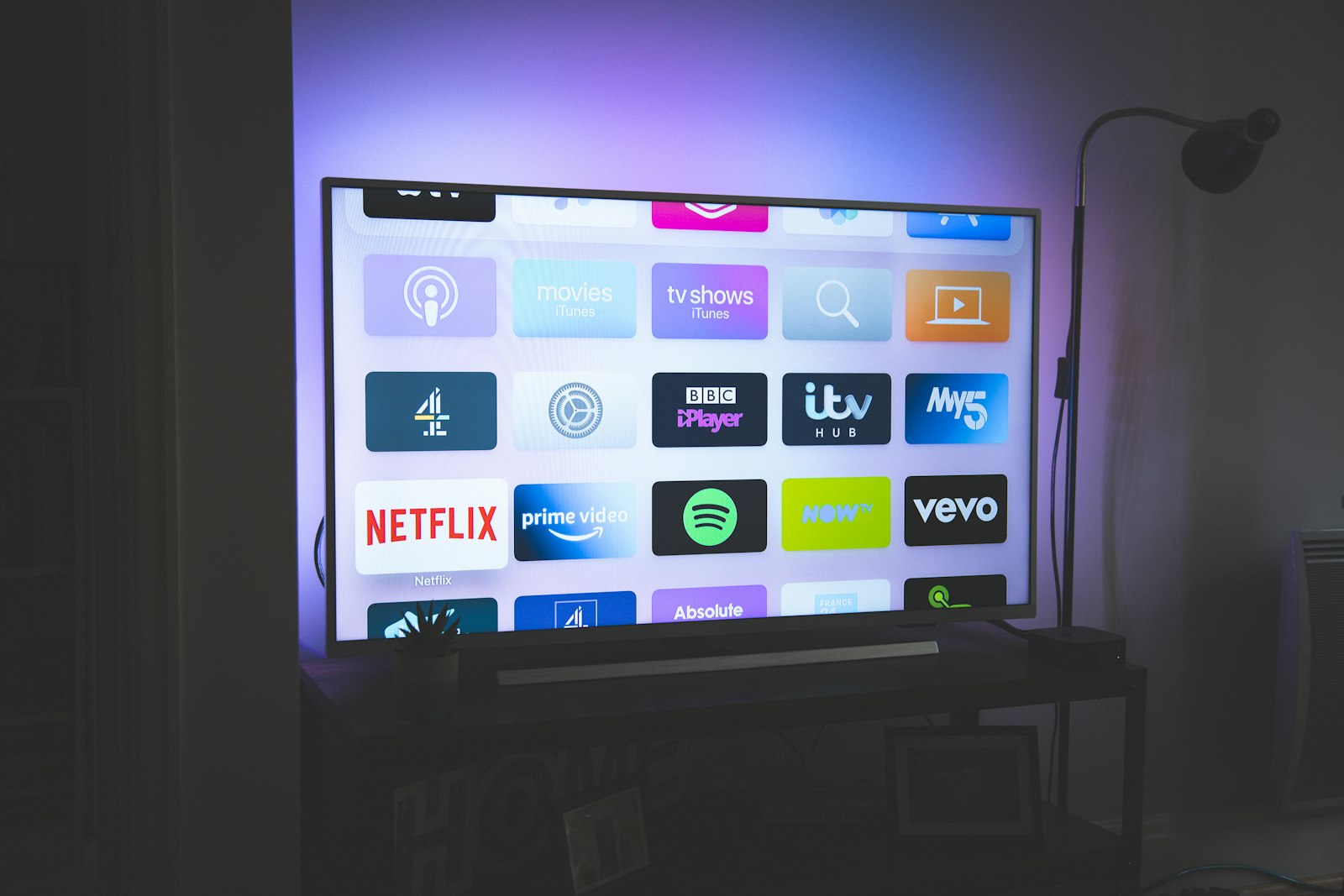
OLED vs QLED: Which TV Panel Should You Buy?
One wins in a dark room, the other wins in a bright one. The decision is decided by your windows and your seating, not by which technology is newer.
9 min readBuying guide TV & Home Theater
Seating distance decides screen size, room light decides panel type, and almost everything else on the box is marketing. A room-first way to choose a television.
A television is the one electronic purchase in the house that almost everyone ends up staring at for years, and it is also the one where the specifications least predict satisfaction. The reason is simple: a TV is a room fixture before it is a device. The panel type, the screen size and even the stand all need to suit the space it sits in.
The short answer: measure the distance from your sofa to the wall first, then pick the size that fits that distance, then let room brightness choose between OLED and mini-LED. Brand and processor come last.
Screen size is not a taste decision. It follows from how far away you sit.
| Seating distance | Comfortable screen size (4K) |
|---|---|
| 1.5 – 2.0 m | 43” – 50” |
| 2.0 – 2.5 m | 50” – 58” |
| 2.5 – 3.0 m | 58” – 65” |
| 3.0 – 3.5 m | 65” – 75” |
| 3.5 m and beyond | 75” and up |
Two things go wrong when people skip this step. The first is buying too large for the room and spending the whole evening moving their head to follow the action. The second, more common, is buying too small — then sitting close enough to resolve the pixels and noticing every artefact.
The relevant ratio for a cinematic feel is roughly 1.2 to 1.6 times the diagonal. For relaxed, mixed viewing — news, series, a film at the weekend — 1.8 to 2.2 times is more comfortable. There is no single correct number, but there is a wrong one: anything that puts you at three or four times the diagonal means you would not be able to tell a 4K set from a 1080p one.
The single biggest picture-quality decision is not brand, it is panel technology, and room brightness is what should decide it.
OLED gives each pixel its own light, so black is genuinely black rather than dark grey. Contrast is unmatched, viewing angles are excellent, and motion is clean. The trade-off is peak brightness: OLED panels are improving, but a bright LCD with a mini-LED backlight will usually go brighter across the whole screen. OLED also carries a residual risk of image retention if you leave a static logo or a news ticker on for hours every day, though this is far less of a concern than it was a decade ago.
Mini-LED LCD uses thousands of small backlight zones rather than one. It does not reach true black — there is always some bloom around a bright object on a dark background — but it handles a sunlit room far better and costs less at large sizes.
| Your room | Panel to favour |
|---|---|
| Curtains drawn in the evening, controlled light | OLED |
| Bright, unshaded, faces a window | Mini-LED LCD |
| Mixed use, no ability to control light | Mini-LED LCD |
| Dark dedicated room, films are the priority | OLED |
| Sports in daylight, lots of ambient light | Mini-LED LCD |
A useful test: stand where you normally sit, at the time of day you normally watch, and look at the reflection in the screen. If you can see a clear image of the room in it, you have a bright-room problem and OLED will struggle.
Once size and panel type are settled, the remaining specifications sort themselves into genuinely useful and mostly decorative.
Genuinely useful:
Mostly decorative:
The useful question is not “what does the best TV cost” but “at what point does spending more stop changing what I see at my sofa”.
Spend on the panel and the size. Those are what you perceive every single evening. Do not spend on a flagship processor in a set you watch the news on, and do not buy a smaller premium set when a larger mid-range one would fill your wall better at the distance you sit.
A reasonable allocation, in order: size that fits your distance → panel type that fits your light → local dimming zones → gaming features, only if you game.
Most televisions ship in a picture mode designed to look impressive on a shop floor, not accurate at home.
These five steps take about ten minutes and will change the picture more than moving up a price tier.
At 4K resolution, a comfortable viewing distance is roughly 1.2 to 1.6 times the screen diagonal for a cinematic feel, or closer to 2 times for mixed casual viewing. For a 55-inch set that is about 1.7m to 2.2m. Sitting much further away means you stop resolving 4K detail and would have been equally happy with a cheaper 1080p panel at that size.
Usually not, unless you can control the light. OLED panels deliver perfect blacks but generally peak lower in full-screen brightness than a good mini-LED LCD. In a room with unshaded afternoon sun, a mini-LED set will hold up better and cost less at the same size. In a room where you can draw the curtains, OLED is the better picture.
Not for films and series, which are largely authored at 24fps. 120Hz matters for console and PC gaming, and it helps slightly with motion handling on sports. If a set you otherwise like offers 120Hz, take it; do not pay a large premium purely for it if you never game.
HDMI 2.1 is the version that carries 4K at 120Hz, variable refresh rate and eARC. If you plan to attach a current-generation console or a gaming PC, confirm the specific ports are 2.1 — some sets label only one or two of their inputs as 2.1, and it is often not the port labelled "eARC".
Related
One wins in a dark room, the other wins in a bright one. The decision is decided by your windows and your seating, not by which technology is newer.
9 min read
Fit and microphone quality decide whether earbuds are useful, not driver size. What to check before you buy a pair you will wear for two hours a day.
8 min read
A mesh system solves a coverage problem, not a speed problem. How to tell which one you have before spending several hundred dollars on the wrong fix.
9 min read