
Noise-Cancelling Headphones on a Plane: A Practical Guide
How to get the most from active cancellation in the one environment it was designed for, and what it will never do.
7 min read8 topics · 21 articles
Most people do not begin with "I want a 27-inch 4K monitor". They begin with "my desk setup is uncomfortable" or "the Wi-Fi dies in the back bedroom". These groupings follow that.
9 articles
Desk, display, dock and the cable that carries everything.
How to get the most from active cancellation in the one environment it was designed for, and what it will never do.
7 min read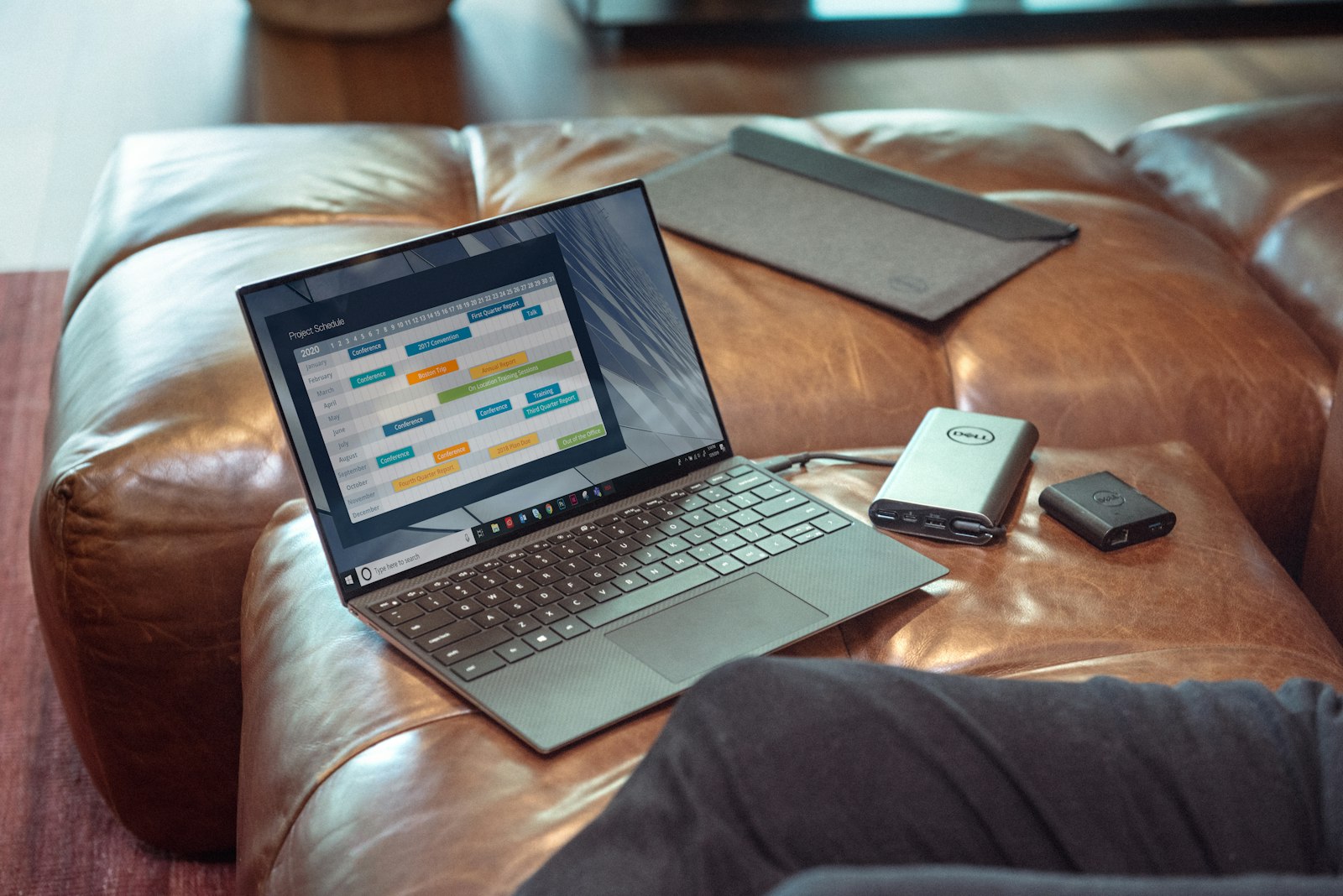
Desk height, monitor distance, light direction and one dock. The setup that prevents neck pain and cable chaos, ordered by what to do first.
10 min read
Fit and microphone quality decide whether earbuds are useful, not driver size. What to check before you buy a pair you will wear for two hours a day.
8 min read4 articles
What a new drive or a cleanup buys you before you spend on a new machine.

Six checks, cheapest first. Most slow laptops are fixed by one of the first three, and none of them cost more than a drive.
9 min read
Wi-Fi 7 is faster on paper. Whether it is faster in your home depends on how many devices you own that can use it, and whether your internet plan can feed it.
8 min read
The 990 Pro is a PCIe 4.0 drive that sits at the top of its generation. Whether that matters depends on what your motherboard and your workload can actually use.
8 min read5 articles
Backhaul, mesh placement, and why extenders disappoint.
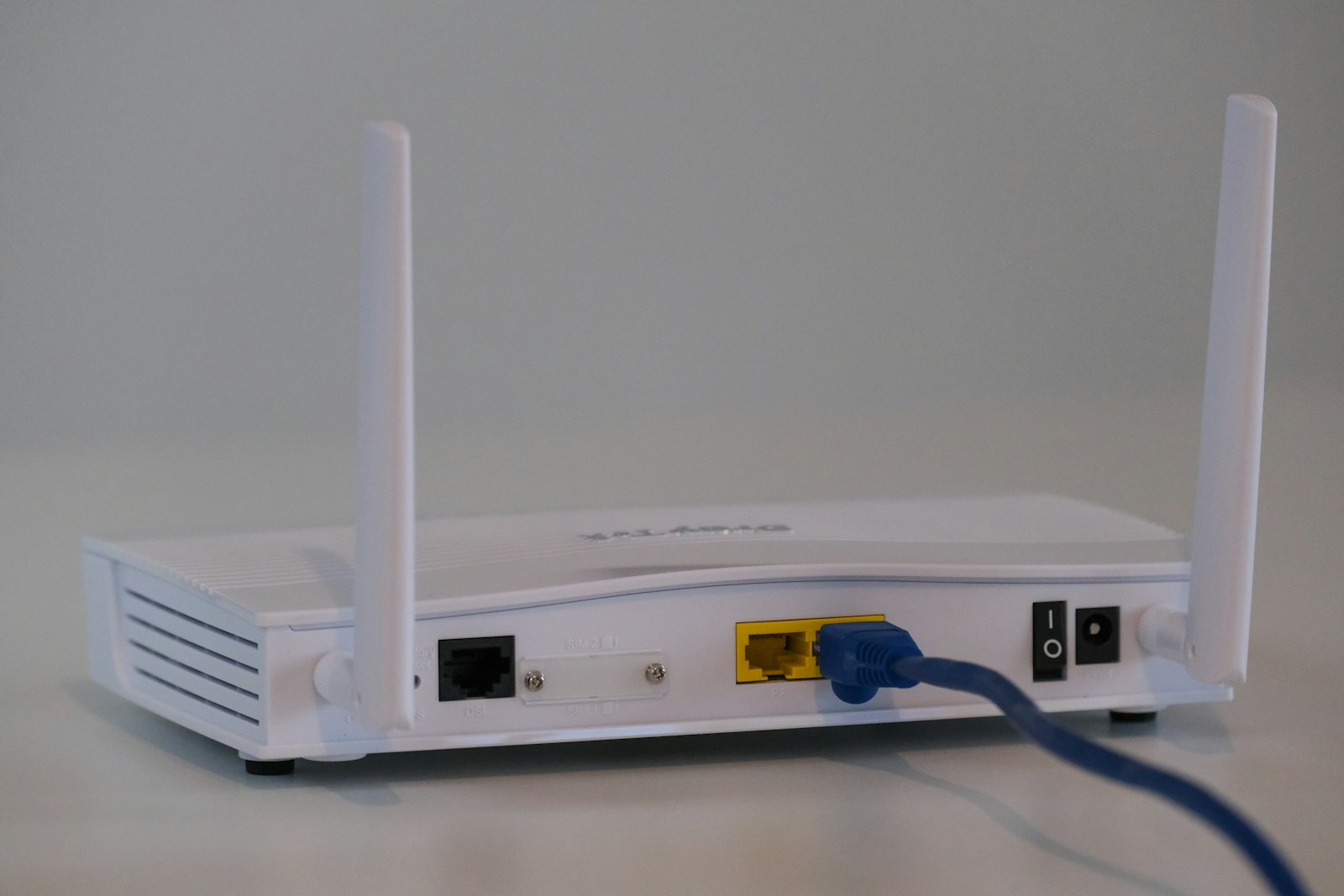
A mesh kit is not a bigger router — it is a different topology. Working out which problem you have decides which one to buy, and the answer is sometimes neither.
8 min read Coverage, not speed, is what most households need. How to work out what your home requires before you look at a single product.
9 min read A three-unit Wi-Fi 6E mesh kit that adds a 6GHz backhaul band. The extra radio is the interesting part, and how much it helps depends on your house.
8 min read4 articles
Flights, open offices, and what noise cancellation can really do.
How to get the most from active cancellation in the one environment it was designed for, and what it will never do.
7 min read Fit and microphone quality decide whether earbuds are useful, not driver size. What to check before you buy a pair you will wear for two hours a day.
8 min read Where the WH-1000XM5 earns its reputation, where it makes real compromises, and who should buy the cheaper previous generation instead.
8 min read5 articles
Sitting distance, panel technology and the brightness of your room.
Desk height, monitor distance, light direction and one dock. The setup that prevents neck pain and cable chaos, ordered by what to do first.
10 min read
One wins in a dark room, the other wins in a bright one. The decision is decided by your windows and your seating, not by which technology is newer.
9 min read
The most useful home-office monitor specification is not resolution or refresh rate. It is how many cables you unplug when you leave your desk.
8 min read2 articles
Four years, one machine, and what to buy first.
Silent, cool and genuinely all-day. Where the M3 Air is the right answer, and the two configuration decisions that determine whether you regret it in year three.
9 min read Four years, one machine, a fixed budget. How to pick a college laptop that still feels fast in your senior year — and the specifications that decide it.
11 min read2 articles
Watt-hours, airline limits and charging a laptop on the move.
The 737 charges a laptop at full speed away from an outlet. It is also heavy enough that most people should not buy it. Here is how to tell which group you are in.
7 min read Watt-hours decide whether you can fly with it, and per-port wattage decides whether it can charge a laptop at all. How to pick a bank that is worth the weight.
8 min read3 articles
Drive slots, endurance ratings, and a backup you would actually restore.
Six checks, cheapest first. Most slow laptops are fixed by one of the first three, and none of them cost more than a drive.
9 min read The 990 Pro is a PCIe 4.0 drive that sits at the top of its generation. Whether that matters depends on what your motherboard and your workload can actually use.
8 min read The drive that transforms an old machine is rarely the fastest one on the shelf. How to check your slot, your interface, and whether the speed you are paying for is reachable.
9 min readOr browse by category