Mesh vs a Single Router: Which Actually Fixes Your Dead Spot?
ComparisonNetworking
Mesh vs a Single Router: Which Actually Fixes Your Dead Spot?
A mesh kit is not a bigger router — it is a different topology. Working out which problem you have decides which one to buy, and the answer is sometimes neither.
Published
· Last reviewed
· 8 min read
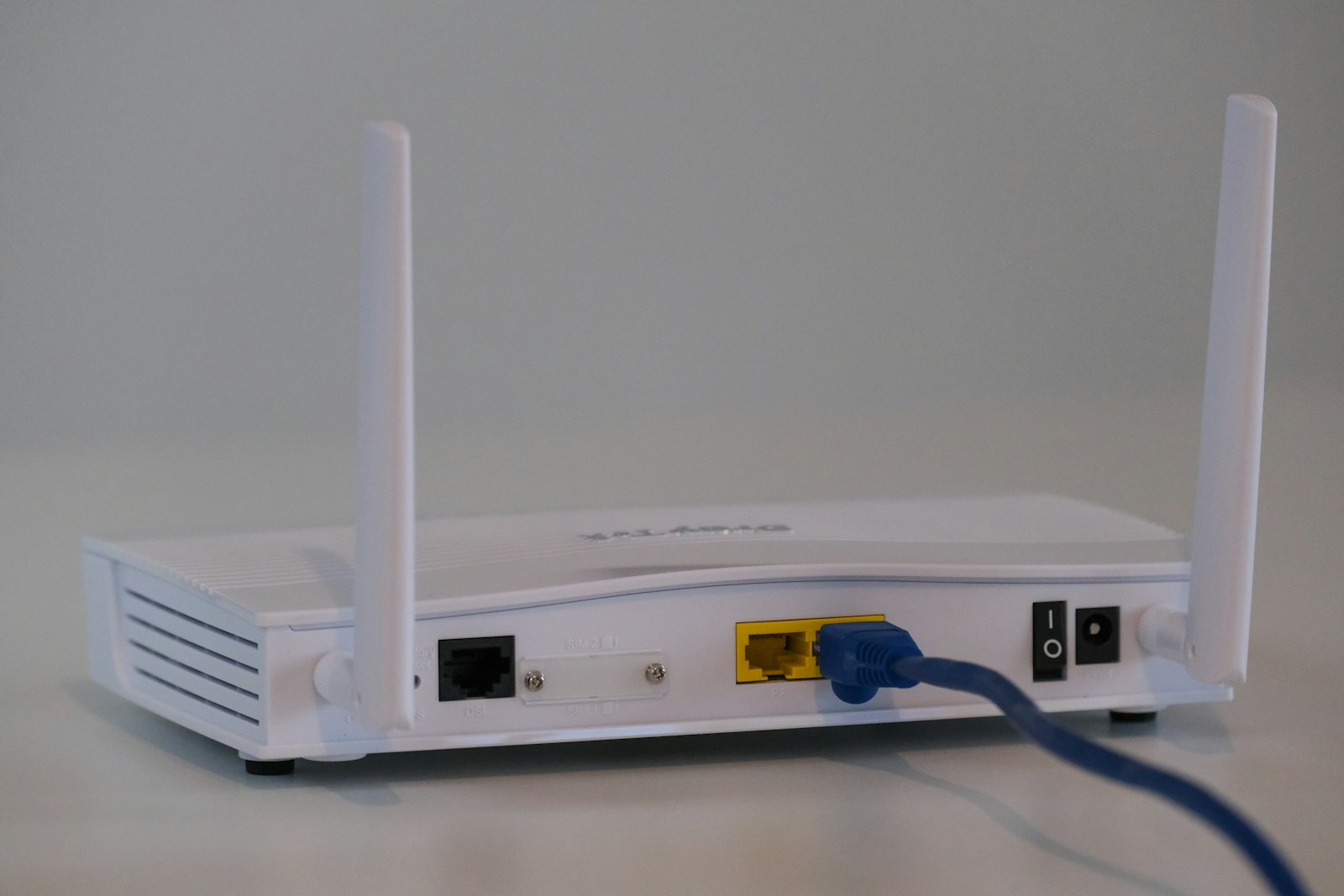
Photograph
The dead spot question usually arrives as a product question — “should I buy a mesh kit?” — when it is really a diagnosis question. Dead spots have more than one cause, and a mesh kit only addresses some of them.
The short answer
If your router is in the wrong place, moving it fixes more than any purchase.
If you have one difficult room separated by solid walls, a mesh kit with a node placed partway there is the usual correct answer.
If the whole house is fine except one far corner, a single wired access point is cheaper and better than a mesh kit.
If you want better speed everywhere rather than better coverage, the bottleneck is probably your internet plan or one node’s backhaul, and mesh will not help.
What actually causes a dead spot
Four causes, in rough order of frequency:
Cause
What it looks like
What fixes it
Router in a corner, near the floor, against a wall
Weak signal throughout, worse on the far side
Move the router
Solid intervening structure (brick, concrete, foil-backed insulation, a chimney breast)
One specific room is bad while others are fine
Node partway there, or wired AP
Too much distance for the band
5GHz fine nearby, gone at the far end; 2.4GHz still present
Additional node
Congested spectrum, not weak signal
Signal strong but speed poor and latency spiky
6GHz band, or channel change
The fourth cause is the one most often misdiagnosed. If your signal meter shows a strong signal in the room but the speed is poor, adding coverage will not help — you already have coverage. The problem is that many networks are sharing the same airtime, and the fix is a less-congested band or channel, not more access points.
Single router: what it is good at
A single router is one device doing everything: routing, switching, and wireless for the whole home. Its advantages are real.
No backhaul problem. Every device connects directly to one radio, so nothing is forwarded at half speed.
Lower cost for equivalent radio quality.
Simpler management. One device to configure, one firmware to update.
No roaming issues, because there is nothing to roam between.
Its limitation is equally simple: one radio has to reach the whole building, and radio waves lose energy through every wall. A high-gain antenna and a more sensitive receiver extend reach somewhat, but they do not defeat a concrete wall. If the building is small enough for one radio to cover, a single router is the better choice on every axis.
Mesh: what it changes
A mesh system distributes multiple radios linked together, presenting one network name. Its advantages:
Coverage beyond a single radio’s reach, without the throughput penalty of an extender.
Client roaming. Devices move between nodes and the network handles the handoff.
Simpler than multiple independent routers, because the nodes manage themselves as a set.
Its costs:
Higher price for equivalent per-node quality.
Backhaul consumption. Wireless mesh nodes spend radio time forwarding traffic, which is why dual-band mesh kits often give noticeably less speed at the far node.
Placement sensitivity. Poorly placed nodes perform worse than a well-placed single router.
Lock-in. Mesh nodes from different vendors generally do not mix, so the set is replaced as a set.
Dimension
Single router
Dual-band mesh
Tri-band mesh
Wired access points
Coverage in a large home
Limited
Good
Good
Best
Far-node speed
N/A
Reduced
Close to main
Full
Roaming
N/A
Yes
Yes
Yes
Installation effort
Lowest
Low
Low
Highest
Cost
Lowest
Moderate
Highest
Moderate + cabling
Best fit
Flat, open plan
Medium home
Congested, larger home
Any home where cable is possible
The estimate that should drive the decision
Before buying anything, do two measurements.
Where is the router now? If it is in a corner, on the floor, behind a television or inside a cupboard, moving it to a central position at head height, in the open, will measurably improve coverage everywhere. This costs nothing and is frequently enough.
Where does it get bad? Walk from the router toward the dead spot and find the point where performance drops sharply. The node should go roughly one room short of that point, not in the dead spot itself — a node placed in a dead room is trying to relay from an already-poor signal.
If your home is a single floor and the router can sit centrally, the measurement often says a single router is sufficient. If the dead spot persists after moving the router, the cause is structural and a node is justified.
The option people forget: wire it
If you can run a single Ethernet cable to the difficult area, a wired access point beats every wireless mesh configuration. It gives full speed at the far end, no backhaul consumption, and no placement guessing about the link between nodes.
This is often easier than assumed. Older homes sometimes have existing telephone or coaxial runs that can be repurposed. Where they cannot, a powerline or MoCA adapter is a fallback worth knowing about, though both have their own performance limits and depend heavily on the wiring in the building.
Many mesh kits — including the one in our Deco XE75 review — support wired backhaul. That combination is the strongest practical setup for most large homes: mesh for simplicity and roaming, with a cable carrying the traffic between nodes.
Common questions
Will a more expensive single router fix my dead spot?
Sometimes, and less often than people hope. A more powerful router extends reach modestly, but it does not change physics: two or three walls of brick or concrete will attenuate 5GHz heavily regardless of the router's price. If your dead spot is a room behind two solid walls, more routers of the same type will disappoint. Move the router first, then consider mesh.
Does mesh slow down the network?
Not inherently, but wireless mesh backhaul does consume airtime. In a dual-band kit, the node's backhaul competes with client traffic, which is why far nodes often deliver noticeably less speed than the main unit. A tri-band kit with a dedicated backhaul band, or a wired backhaul, largely removes this problem.
Can I mix mesh nodes with my existing router?
Generally not usefully. Mesh nodes from different manufacturers do not interoperate, and mesh nodes from the same manufacturer usually expect to form a managed set. There is a standard called EasyMesh for cross-vendor interoperation, but support is uneven. Treat a mesh kit as a set you buy together and replace together.
Is a Wi-Fi extender the same as mesh?
No. An extender repeats the signal and typically halves throughput on its extended network, because it receives and transmits on the same radio. It also usually presents a separate network name, so devices do not roam between them cleanly. Mesh nodes hand you off between each other and present one network; extenders generally do not.
Products referenced
Products mentioned in this article
Every outbound link is labelled. Where a link carries no tracking parameter, we
say so rather than implying a commission.
This link points to the manufacturer. No tracking parameter is attached, so we earn nothing from it today.
How this article was written. NovoltGear works from published
manufacturer specifications, standards documentation and the physics that govern how
the hardware behaves. We do not claim hands-on laboratory testing, and where a claim
would require measurement we have not taken, we describe the mechanism and link the
primary source instead. Prices change constantly, so we never quote one as fixed.
Read the full editorial policy.
One email a month, and only when we have something worth saying
New buying guides, price-drop notes and corrections to anything we got wrong. We do not
sell addresses and there is nothing to unsubscribe from by stealth.
Cookies. NovoltGear sets no advertising cookies and runs no analytics. We store
one thing in your browser: a flag remembering that you have read this notice. When you follow a
link from this site to a retailer, that retailer sets its own cookies, so they can credit
a purchase. Read the cookie notice.