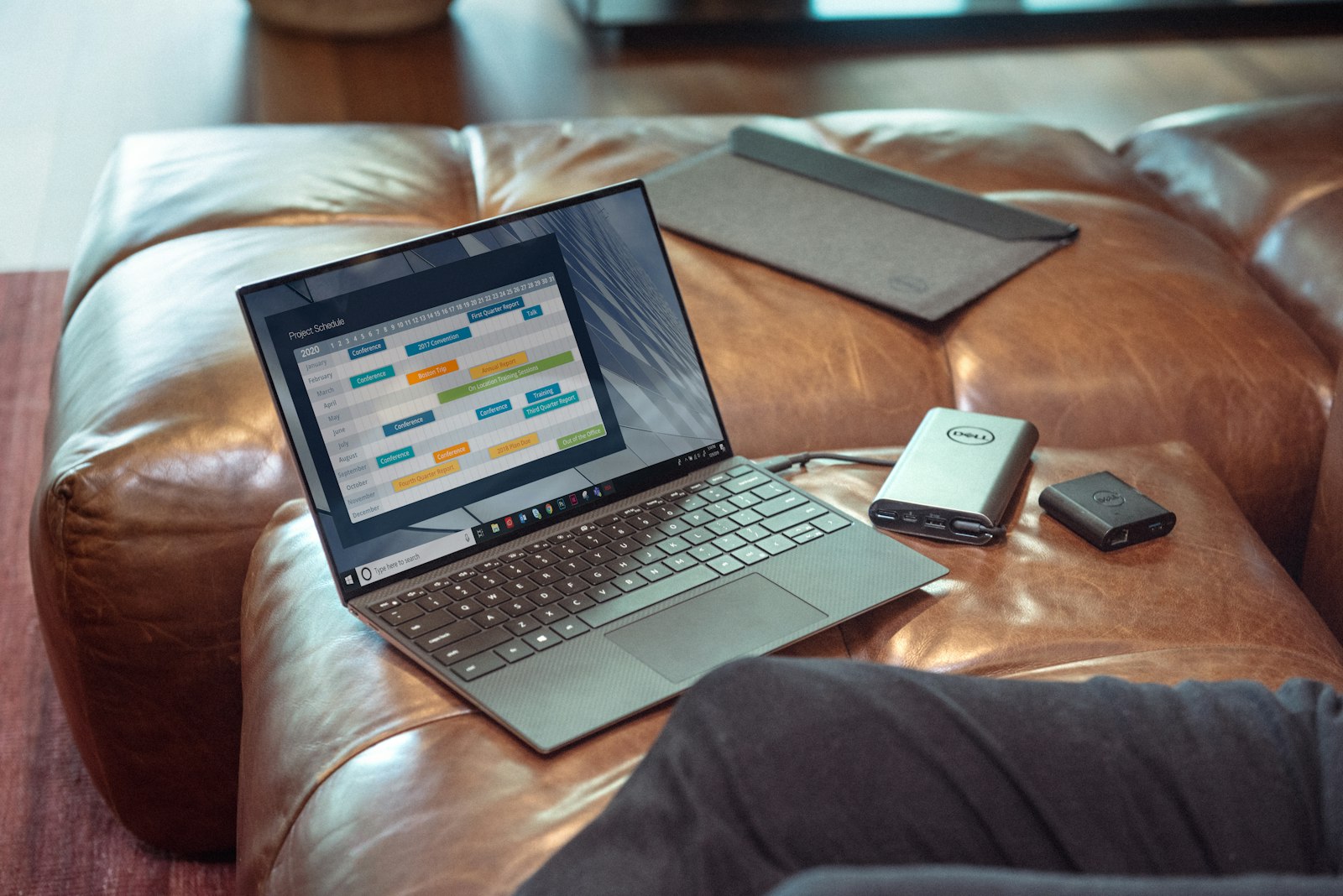
Set Up a Home Office That Works in a Day
Desk height, monitor distance, light direction and one dock. The setup that prevents neck pain and cable chaos, ordered by what to do first.
10 min read3 articles
A monitor is the component you look at most and replace least often, which makes it worth getting right. The two decisions that matter are panel type and how you will connect it — most disappointing monitor purchases trace back to a cable or a port rather than the panel.
What actually matters
What to skip
Published
Desk height, monitor distance, light direction and one dock. The setup that prevents neck pain and cable chaos, ordered by what to do first.
10 min read
The most useful home-office monitor specification is not resolution or refresh rate. It is how many cables you unplug when you leave your desk.
8 min read The two decisions that matter are panel type and how you connect it. Everything else on a monitor specification sheet is noise at this price.
9 min readReferenced products
A short list, deliberately. Each one is here because it answers a specific question we keep running into, not because it pays well.
Dell
Best USB-C monitor for a single-cable desk
This link points to the manufacturer. No tracking parameter is attached, so we earn nothing from it today.